Best power station for a Wi-Fi router and working from home
Updated Oct 18, 2026
We may earn a commission when you buy through links on this page. As an Amazon Associate I earn from qualifying purchases.
If you work from home, losing power usually means losing internet, even when your laptop battery is fine. The fix is cheap on energy: a Wi-Fi router and modem together use only about 10–25 W. A compact 300 Wh station keeps them online for about half a day, and a 1 kWh station for nearly two days.
How long will a power station run a router and modem?
This table assumes a router and modem (or a combo gateway) drawing about 20 W together, running nonstop.
| Power station | Capacity | Runtime |
|---|---|---|
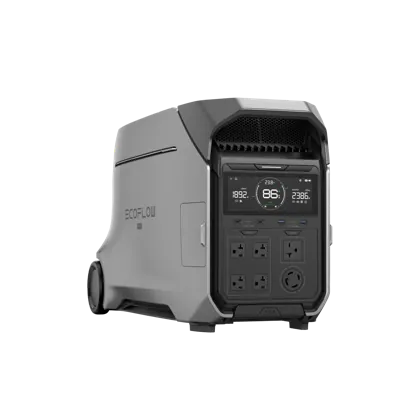 EcoFlow DELTA Pro 3 EcoFlow DELTA Pro 3 | 4,096 Wh | 7.3 days |
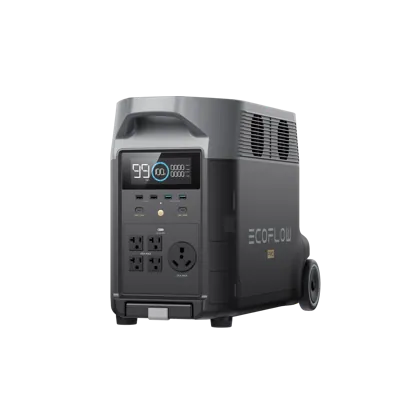 EcoFlow DELTA Pro EcoFlow DELTA Pro | 3,600 Wh | 6.4 days |
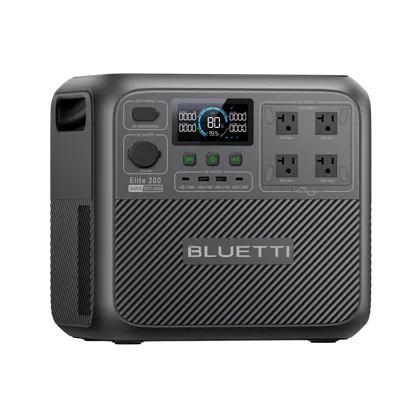 BLUETTI Elite 200 V2 BLUETTI Elite 200 V2 | 2,074 Wh | 3.7 days |
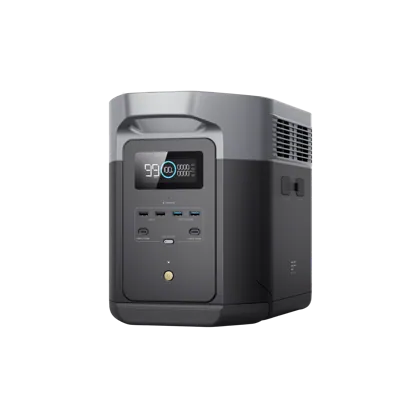 EcoFlow DELTA 2 Max EcoFlow DELTA 2 Max | 2,048 Wh | 3.6 days |
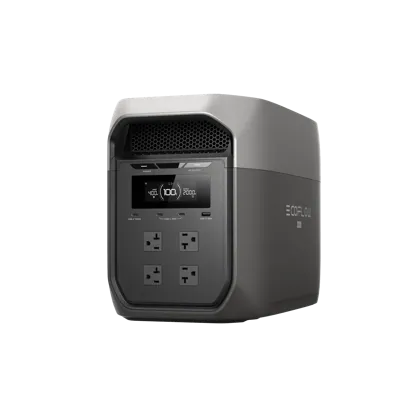 EcoFlow DELTA 3 Max EcoFlow DELTA 3 Max | 2,048 Wh | 3.6 days |
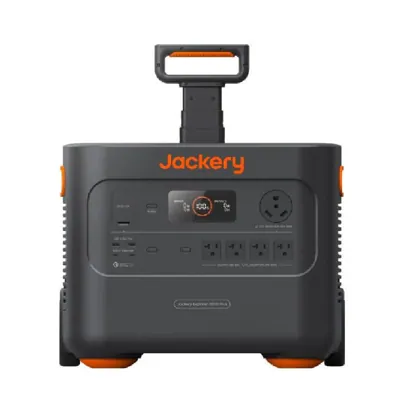 Jackery Explorer 2000 Plus Jackery Explorer 2000 Plus | 2,042 Wh | 3.6 days |
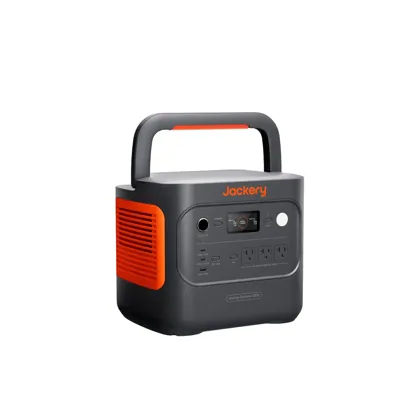 Jackery Explorer 2000 v2 Jackery Explorer 2000 v2 | 2,042 Wh | 3.6 days |
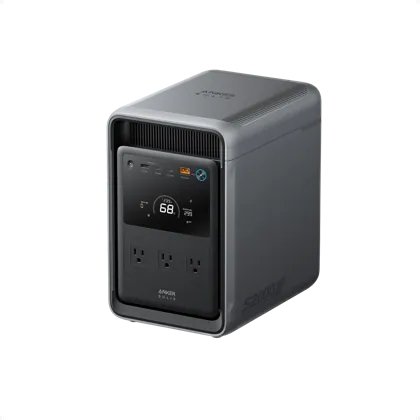 Anker SOLIX S2000 Anker SOLIX S2000 | 2,010 Wh | 3.6 days |
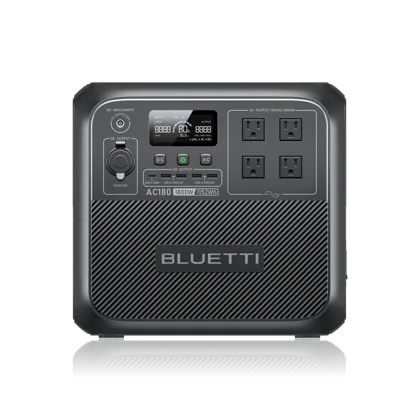 BLUETTI AC180 BLUETTI AC180 | 1,152 Wh | 2.0 days |
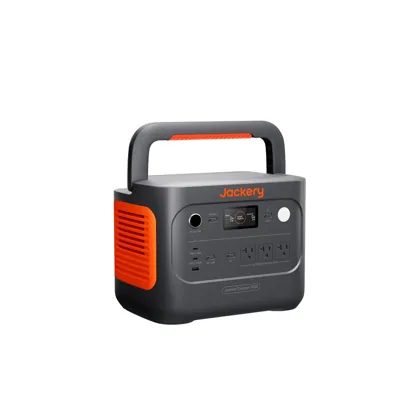 Jackery Explorer 1000 v2 Jackery Explorer 1000 v2 | 1,070 Wh | 45.5 h |
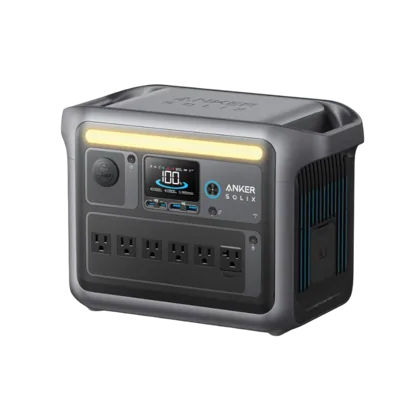 Anker SOLIX C1000 Anker SOLIX C1000 | 1,056 Wh | 44.9 h |
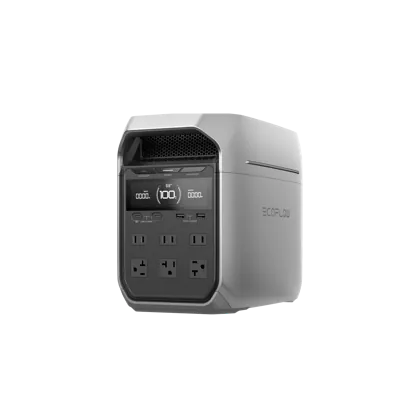 EcoFlow DELTA 3 Plus EcoFlow DELTA 3 Plus | 1,024 Wh | 43.5 h |
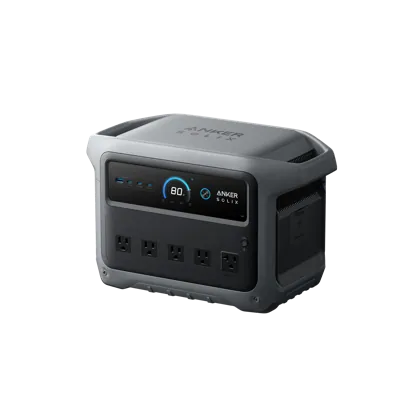 Anker SOLIX C1000 Gen 2 Anker SOLIX C1000 Gen 2 | 1,024 Wh | 43.5 h |
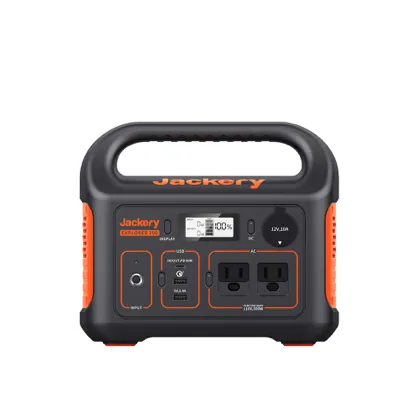 Jackery Explorer 300 Jackery Explorer 300 | 293 Wh | 12.5 h |
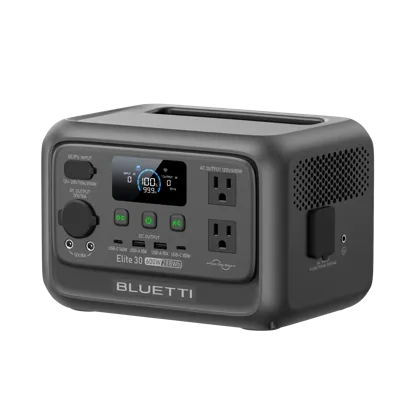 BLUETTI Elite 30 V2 BLUETTI Elite 30 V2 | 288 Wh | 12.2 h |
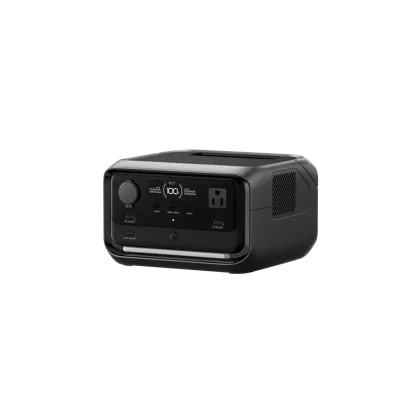 EcoFlow RIVER 3 Plus EcoFlow RIVER 3 Plus | 286 Wh | 12.2 h |
Check that your internet provider’s equipment down the street has power too. Cable and fiber networks often keep working in local outages, but not always in wide ones. A phone hotspot is a good backup either way.
Runtime for a full home-office setup
Add a laptop and an external monitor and you’re at about 110 W: a full workday on a 1 kWh station, about two on a 2 kWh station.
| Power station | Capacity | Runtime |
|---|---|---|
| EcoFlow DELTA Pro 3 | 4,096 Wh | 31.7 h |
| EcoFlow DELTA Pro | 3,600 Wh | 27.8 h |
| BLUETTI Elite 200 V2 | 2,074 Wh | 16.0 h |
| EcoFlow DELTA 2 Max | 2,048 Wh | 15.8 h |
| EcoFlow DELTA 3 Max | 2,048 Wh | 15.8 h |
| Jackery Explorer 2000 Plus | 2,042 Wh | 15.8 h |
| Jackery Explorer 2000 v2 | 2,042 Wh | 15.8 h |
| Anker SOLIX S2000 | 2,010 Wh | 15.5 h |
| BLUETTI AC180 | 1,152 Wh | 8.9 h |
| Jackery Explorer 1000 v2 | 1,070 Wh | 8.3 h |
| Anker SOLIX C1000 | 1,056 Wh | 8.2 h |
| EcoFlow DELTA 3 Plus | 1,024 Wh | 7.9 h |
| Anker SOLIX C1000 Gen 2 | 1,024 Wh | 7.9 h |
| Jackery Explorer 300 | 293 Wh | 2.3 h |
| BLUETTI Elite 30 V2 | 288 Wh | 2.2 h |
| EcoFlow RIVER 3 Plus | 286 Wh | 2.2 h |
Use UPS mode so you never drop a call
Many stations work as an uninterruptible power supply: plug the station into the wall, plug your router and computer into the station, and it switches to battery when the grid fails. Look for a switchover time of about 20 ms or less (many current models advertise 10–20 ms), which most routers, modems and computers ride through without restarting. For a desktop PC or anything that must never blink, a dedicated online UPS is still the gold standard.
Get more runtime with DC power
Every time power goes through the station’s AC inverter, some energy is lost. Many routers and modems run on 12 V DC, so a DC cable from the station’s 12 V port (check your router’s voltage and plug size first) can stretch runtime noticeably. Laptops that charge over USB-C should use the station’s USB-C port instead of their AC brick for the same reason.
What size do you need?
- Just internet through short outages: any compact 300 Wh station.
- A full workday with a laptop and monitor: about 1 kWh.
- Work plus keeping the fridge cold: 2 kWh or more. See our fridge guide.
- Starlink instead of cable? It draws far more than a router. Read power station for Starlink.
Our picks for working from home
For keeping the internet up: small, quiet and easy to tuck under a desk.
BLUETTI · Compact
Elite 30 V2
- 288Wh
- 600W out
- 9.5lb
A 288 Wh LiFePO4 compact with 600 W output, 140 W USB-C and a 10 ms UPS at under 10 lb. No published surge figure for motor loads.
EcoFlow · Compact
RIVER 3 Plus
- 286Wh
- 600W out
- 10.4lb
Twice the output of most compact stations (600 W), a fast 10 ms UPS, and an add-on battery option that triples its capacity.
As an Amazon Associate I earn from qualifying purchases.
For a full workday or longer: enough for a laptop, monitor and router, with fast wall recharging.
Anker · Mid-size
SOLIX C1000 Gen 2
- 1,024Wh
- 2,000W out
- 24.9lb
The fastest-charging 1 kWh station here (49 minutes from the wall), with 2,000 W output, 4,000 cycles and a 10 ms UPS, at under 25 lb.
EcoFlow · Mid-size
DELTA 3 Plus
- 1,024Wh
- 1,800W out
- 27.6lb
The DELTA 2’s successor: same 1 kWh size, but 4,000 cycles, double the solar input (1,000 W), 140 W USB-C and expansion to 5 kWh.
As an Amazon Associate I earn from qualifying purchases.
Living in an apartment? See our apartment guide.